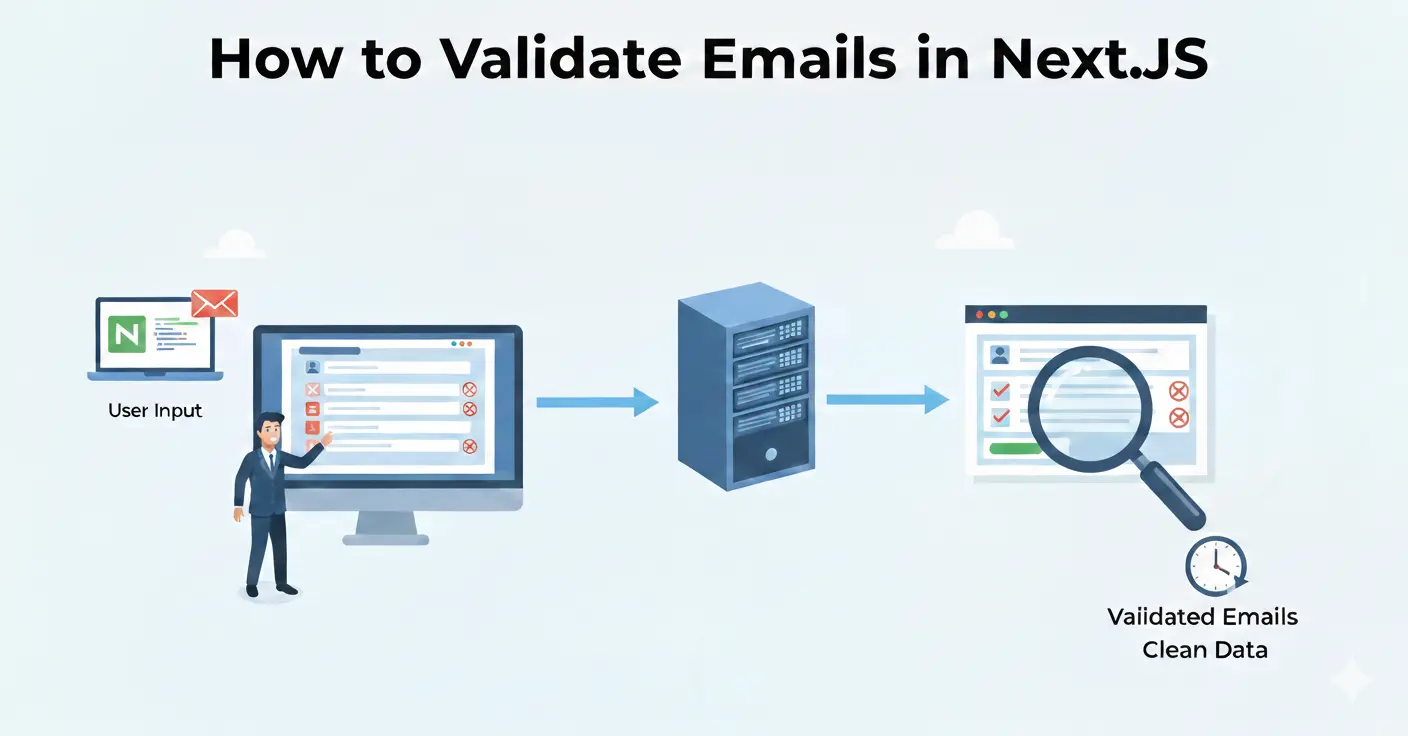
Next.js is the most popular React framework for production apps. Whether you're building a SaaS signup form, a waitlist page, or an e-commerce checkout, validating email addresses before they hit your database saves you from bounced emails, fake signups, and wasted marketing spend.
This guide shows you three ways to integrate Mailchk email validation into a Next.js project: server actions (App Router), API routes, and client-side validation.
Prerequisites
- A Next.js 14+ project (App Router recommended)
- A free Mailchk API key — sign up here (200 free validations/month)
Option 1: Server Action (Recommended)
Server actions keep your API key on the server and eliminate an extra API route. This is the cleanest approach for App Router projects.
// app/actions/validate-email.ts
'use server'

export async function validateEmail(email: string) {
  const res = await fetch('https://api.mailchk.io/v1/check', {
    method: 'POST',
    headers: {
      'Content-Type': 'application/json',
      'X-API-Key': process.env.MAILCHK_API_KEY!,
    },
    body: JSON.stringify({ email }),
  })

  if (!res.ok) {
    return { valid: false, error: 'Validation service unavailable' }
  }

  return res.json()
}
Then use it in your form component:
// app/signup/page.tsx
'use client'
import { useState } from 'react'
import { validateEmail } from '../actions/validate-email'

export default function SignupPage() {
  const [email, setEmail] = useState('')
  const [error, setError] = useState('')

  async function handleSubmit(e: React.FormEvent) {
    e.preventDefault()
    setError('')

    const result = await validateEmail(email)

    if (!result.valid) {
      setError('Please enter a valid email address')
      return
    }
    if (result.disposable) {
      setError('Disposable email addresses are not allowed')
      return
    }
    // Email is valid — proceed with signup
  }

  return (
    <form onSubmit={handleSubmit}>
      <input type="email" value={email}
        onChange={(e) => setEmail(e.target.value)}
        placeholder="you@company.com" />
      {error && <p className="text-red-500">{error}</p>}
      <button type="submit">Sign Up</button>
    </form>
  )
}
Option 2: API Route
If you prefer a traditional API endpoint (useful for Pages Router or when multiple forms need validation):
// app/api/validate-email/route.ts
import { NextRequest, NextResponse } from 'next/server'

export async function POST(req: NextRequest) {
  const { email } = await req.json()

  const res = await fetch('https://api.mailchk.io/v1/check', {
    method: 'POST',
    headers: {
      'Content-Type': 'application/json',
      'X-API-Key': process.env.MAILCHK_API_KEY!,
    },
    body: JSON.stringify({ email }),
  })

  const data = await res.json()
  return NextResponse.json(data)
}
Option 3: Client-Side with Debounce
For instant feedback as the user types. Note: proxy through your API route to keep your API key server-side.
import { useCallback, useRef, useState } from 'react'

function useEmailValidation() {
  const [status, setStatus] = useState<'idle'|'checking'|'valid'|'invalid'>('idle')
  const [message, setMessage] = useState('')
  const timer = useRef<NodeJS.Timeout>()

  const validate = useCallback((email: string) => {
    clearTimeout(timer.current)
    if (!email || !email.includes('@')) { setStatus('idle'); return }

    setStatus('checking')
    timer.current = setTimeout(async () => {
      const res = await fetch('/api/validate-email', {
        method: 'POST',
        headers: { 'Content-Type': 'application/json' },
        body: JSON.stringify({ email }),
      })
      const data = await res.json()

      if (data.disposable) {
        setStatus('invalid')
        setMessage('Disposable emails are not allowed')
      } else if (!data.valid) {
        setStatus('invalid')
        setMessage(data.did_you_mean
          ? 'Did you mean ' + data.did_you_mean + '?'
          : 'This email appears invalid')
      } else {
        setStatus('valid')
        setMessage('')
      }
    }, 500)
  }, [])

  return { status, message, validate }
}
What the API Returns
- valid — whether the email format and domain are valid
- disposable — true if the domain is a known throwaway service
- free_email — true for Gmail, Yahoo, etc. (useful for B2B lead scoring)
- did_you_mean — typo suggestion (e.g., "gmial.com" → "gmail.com")
- mx_valid — whether the domain has working mail servers
- risk_score — 0-100 risk assessment
Best Practices
- Always validate server-side — client-side checks can be bypassed.
- Store your API key in environment variables — never hardcode it in client code.
- Handle the typo suggestion — show a "Did you mean gmail.com?" prompt instead of rejecting outright.
- Don't block free email providers — unless you're specifically B2B-only.
- Cache results — Mailchk caches repeated lookups for the same email within 24 hours at no extra cost.
Getting Started
Sign up for a free Mailchk account to get your API key. The free tier includes 200 validations/month — enough to build and test your integration.