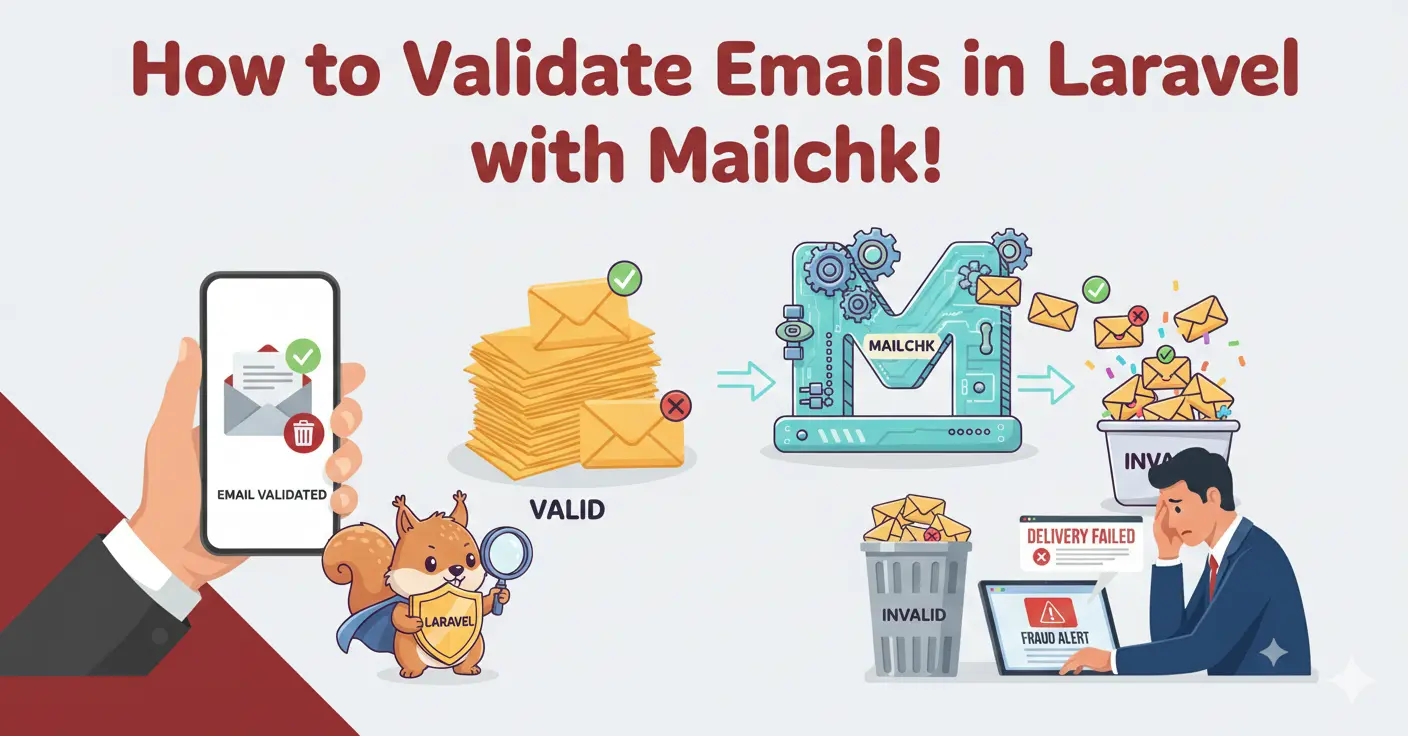
Laravel's validation system is one of its best features, and adding external email validation fits naturally into the framework. This guide shows you how to integrate Mailchk using a custom validation rule, a reusable service class, and form request validation.
Step 1: Create a Service Class
// app/Services/EmailValidationService.php
<?php
namespace App\Services;

use Illuminate\Support\Facades\Http;
use Illuminate\Support\Facades\Cache;

class EmailValidationService
{
    public function validate(string $email): array
    {
        return Cache::remember(
            'email_validation:' . md5($email),
            now()->addHours(24),
            fn () => $this->callApi($email)
        );
    }

    private function callApi(string $email): array
    {
        $response = Http::withHeaders([
            'X-API-Key' => config('services.mailchk.key'),
        ])->post('https://api.mailchk.io/v1/check', [
            'email' => $email,
        ]);

        if ($response->failed()) {
            return ['valid' => true, 'disposable' => false];
        }
        return $response->json();
    }
}
Step 2: Configuration
// .env
MAILCHK_API_KEY=your-api-key-here

// config/services.php
'mailchk' => ['key' => env('MAILCHK_API_KEY')],
Step 3: Custom Validation Rule
// app/Rules/ValidEmail.php
<?php
namespace App\Rules;

use App\Services\EmailValidationService;
use Closure;
use Illuminate\Contracts\Validation\ValidationRule;

class ValidEmail implements ValidationRule
{
    public function __construct(
        private bool $blockDisposable = true,
        private bool $blockFreeEmail = false
    ) {}

    public function validate(string $attribute, mixed $value, Closure $fail): void
    {
        $result = app(EmailValidationService::class)->validate($value);

        if (!$result['valid']) {
            $fail('Please enter a valid email address.');
            return;
        }
        if ($this->blockDisposable && ($result['disposable'] ?? false)) {
            $fail('Disposable email addresses are not allowed.');
        }
        if ($this->blockFreeEmail && ($result['free_email'] ?? false)) {
            $fail('Please use your work email address.');
        }
    }
}
Step 4: Use in Form Requests
// app/Http/Requests/SignupRequest.php
public function rules(): array
{
    return [
        'name'  => ['required', 'string', 'max:255'],
        'email' => ['required', 'email', 'unique:users', new ValidEmail],
        'password' => ['required', 'min:8', 'confirmed'],
    ];
}

// Or inline in a controller:
$request->validate([
    'email' => ['required', 'email', new ValidEmail],
]);
Handling Typo Suggestions
$result = app(EmailValidationService::class)->validate($email);

if ($result['did_you_mean'] ?? null) {
    return back()->with('email_suggestion', $result['did_you_mean']);
}

// Blade template:
@if (session('email_suggestion'))
  <p class="text-amber-600">Did you mean {{ session('email_suggestion') }}?</p>
@endif
Best Practices
- Fail open — if the API is unreachable, allow the signup. Validate asynchronously later.
- Cache aggressively — same email validated during retries shouldn't cost extra calls.
- Queue for bulk imports — dispatch validation jobs rather than blocking the import process.
- Show typo suggestions —
did_you_meanconverts better than a hard rejection.
Getting Started
Get your free API key at mailchk.io/signup. 200 validations/month free, sub-50ms response time.