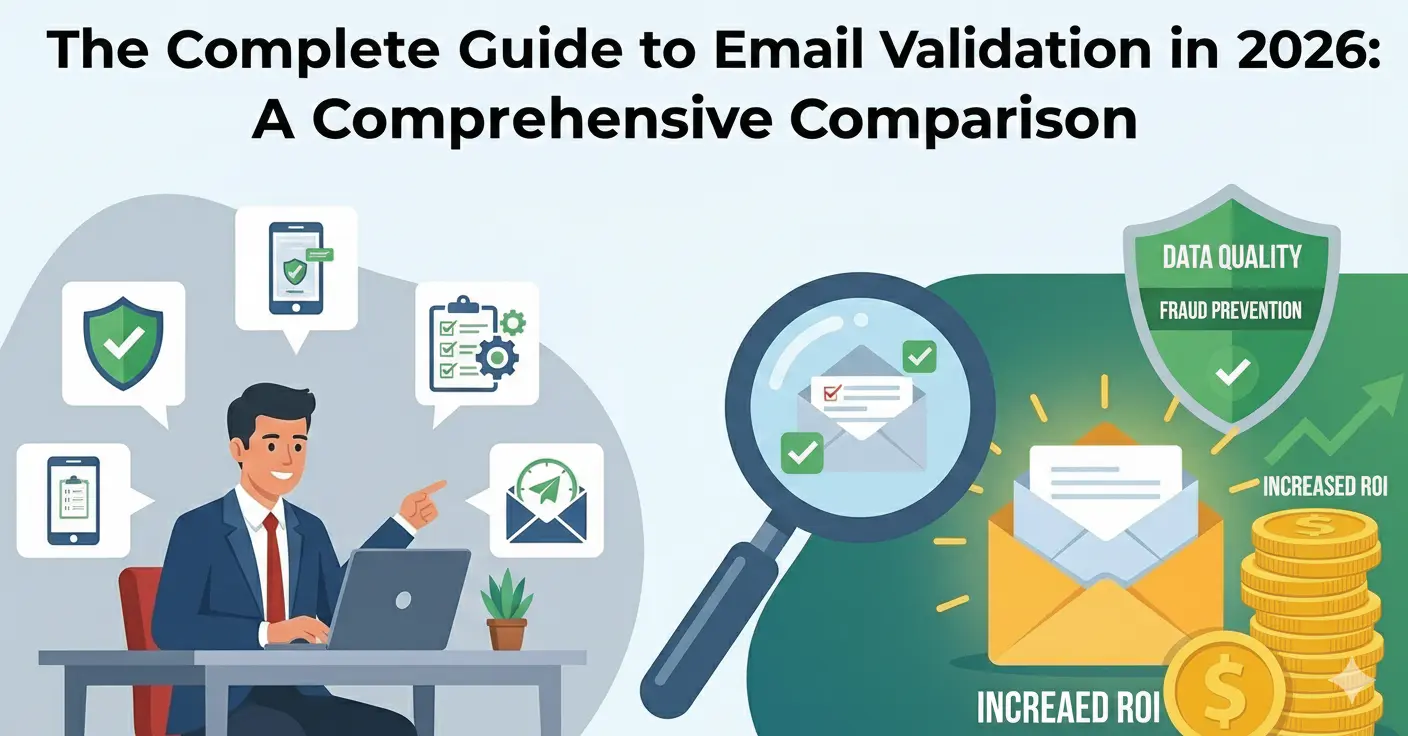
Email validation has evolved far beyond checking whether an address contains an @ symbol. In 2026, a comprehensive validation pipeline involves syntax analysis, DNS verification, disposable domain detection, risk scoring, and intelligent typo correction — all happening in milliseconds. This guide covers every layer of modern email validation and how to implement it effectively.
Why Email Validation Matters More Than Ever
The average business email list degrades by 22-30% per year. People change jobs, abandon addresses, and use disposable services. Meanwhile, bot-driven form submissions and credential stuffing attacks generate millions of fake signups daily. Without validation, your database fills with addresses that bounce, distort metrics, and damage sender reputation.
Email service providers have also become stricter. Gmail and Yahoo implemented new sender requirements in 2024 that penalize senders with high bounce rates more aggressively than before. Maintaining a clean list is no longer optional — it's a requirement for reaching inboxes.
The Validation Pipeline
Modern email validation is a multi-step pipeline. Each layer catches different types of invalid addresses, and the order matters for both accuracy and performance.
Layer 1: Syntax Validation
The first check is whether the email address conforms to RFC 5321 standards. This catches obvious formatting errors: missing @ symbols, illegal characters, double dots, spaces, and addresses that exceed the maximum length of 254 characters.
Common syntax issues include:
- Missing or multiple @ symbols
- Illegal characters in the local part (the bit before @)
- Domain portion with no TLD (.com, .io, etc.)
- Leading or trailing dots in the domain
- Addresses exceeding 254 characters total or 64 characters in the local part
Syntax validation is fast and cheap — it's pure string parsing with no network calls. It should always be the first step because there's no point making DNS queries for an address that's syntactically impossible.
Layer 2: DNS and MX Record Verification
Once the syntax is valid, the next step is verifying that the domain actually exists and can receive email. This involves DNS lookups:
- MX record check: Does the domain have mail exchange records? If not, the domain can't receive email.
- A/AAAA record fallback: Per RFC 5321, if no MX records exist, the domain's A or AAAA records can serve as an implicit mail server. Some legitimate domains rely on this.
- Domain existence: If neither MX nor A records exist, the domain isn't configured for email — or possibly doesn't exist at all.
MX verification catches typos in the domain portion (like "gmial.com" instead of "gmail.com"), domains that have expired, and completely fabricated domains.
Layer 3: Disposable Email Detection
Disposable email services like Guerrilla Mail, Temp Mail, and Mailinator provide temporary inboxes that self-destruct. Detecting these requires maintaining a database of known disposable domains — and keeping it current as new services appear daily.
There are three approaches to disposable detection:
- Static blocklists: Curated lists of known disposable domains. Simple but always lagging behind new services.
- Pattern analysis: Many disposable services share hosting patterns, DNS configurations, and domain registration characteristics that machine learning models can identify.
- AI-powered discovery: Automated crawlers that scan the web for new disposable services, test them, and add confirmed domains to the detection database in real time. This is the approach Mailchk uses, maintaining a database of over 75,000 disposable domains.
Layer 4: Free Email Provider Detection
For B2B use cases, you may want to flag (not necessarily block) emails from free providers like Gmail, Yahoo, and Outlook. A signup with a corporate domain like "jane@acme.com" is more likely to be a genuine business lead than "jane12345@gmail.com".
This isn't about blocking free email users — it's about routing them differently. A B2B sales team might prioritize corporate email signups for outreach while sending free email signups through an automated nurture sequence.
Layer 5: Role-Based Email Detection
Role-based addresses like info@, admin@, support@, and sales@ are tied to functions, not individuals. They typically go to distribution lists or shared inboxes. While they're technically valid, they have lower engagement rates and higher complaint rates because the person reading them didn't personally sign up.
Common role-based prefixes to flag: abuse, admin, billing, compliance, devnull, help, hostmaster, info, marketing, noc, no-reply, noreply, postmaster, privacy, registrar, root, sales, security, spam, support, sysadmin, undisclosed-recipients, webmaster.
Layer 6: Typo Detection and Suggestions
Domain typos are one of the most common causes of undeliverable email. Users regularly type "gmal.com" instead of "gmail.com", "hotnail.com" instead of "hotmail.com", or "yahho.com" instead of "yahoo.com". A good validation service catches these typos and suggests corrections.
At Mailchk, we detect 90+ common domain typos and return "did you mean?" suggestions. This prevents lost signups — instead of the user getting a silent delivery failure, your form can prompt them to fix the typo before submission.
Layer 7: Risk Scoring
The final layer aggregates all signals into a risk score. Rather than a binary valid/invalid result, risk scoring provides nuance:
- Low risk: Verified domain, not disposable, no red flags. Safe to accept.
- Medium risk: Some concerning signals — maybe a recently registered domain or a catch-all server. Consider requiring email confirmation.
- High risk: Strong indicators of a problematic address. Require additional verification or block.
- Critical risk: Known disposable domain, non-existent MX, or other definitive signals. Block immediately.
Risk scoring lets you tune your validation strictness based on your use case. A newsletter signup might accept medium-risk addresses, while a financial application blocks anything above low risk.
Real-Time vs. Bulk Validation
Real-Time Validation
Real-time validation happens at the point of entry — when a user submits a form. The API call happens inline, typically in under 50 milliseconds, and the result determines whether the form accepts or rejects the email.
Best for: signup forms, checkout flows, lead capture forms, contact forms.
Bulk Validation
Bulk validation processes existing lists — thousands or millions of addresses at once. This is used to clean databases that haven't been validated before, to prepare lists before email campaigns, or to periodically purge degraded addresses.
Best for: cleaning legacy databases, pre-campaign list hygiene, periodic maintenance.
Implementation Patterns
Client-Side Pre-Validation
Basic syntax checks can run in the browser before the form is even submitted. Use a lightweight regex or the browser's built-in email input validation to catch obvious errors instantly. This improves UX by giving immediate feedback without a server round-trip.
However, client-side validation should never be your only check. It can't verify MX records, detect disposable domains, or perform risk scoring. Always validate server-side as well.
Server-Side API Integration
The standard pattern is to call an email validation API from your backend during form processing. This keeps your API key secure and allows you to implement custom logic based on the validation result.
// Example: Node.js integration
const response = await fetch('https://api.mailchk.io/v1/validate', {
  method: 'POST',
  headers: {
    'Authorization': 'Bearer your-api-key',
    'Content-Type': 'application/json'
  },
  body: JSON.stringify({ email: userEmail })
});

const result = await response.json();

if (result.risk === 'critical' || result.disposable) {
  return { error: 'Please use a permanent email address' };
}
Webhook-Based Async Validation
For bulk operations, some APIs support webhook callbacks. You submit a list of addresses and receive results via webhook as they're processed. This avoids long-running HTTP connections and works well for large lists.
Common Mistakes to Avoid
Over-Blocking
Don't block every email that isn't from a major provider. Catch-all domains, small ISPs, and country-specific email providers can look suspicious to naive validation but are perfectly legitimate. Use risk scoring rather than binary rules.
Validating Only at Signup
Email addresses degrade over time. An address that was valid six months ago might now bounce. Implement periodic re-validation of your active user base, especially before major email campaigns.
Ignoring Typo Suggestions
When your validation API returns a "did you mean?" suggestion, surface it to the user. A typo like "gmail.con" is almost certainly a mistake, and prompting the user to correct it recovers a real signup that would otherwise be lost.
Skipping Server-Side Validation
Client-side validation alone is trivially bypassed. Any bot or determined user can skip JavaScript checks and submit directly to your API. Always validate server-side.
What's Changed in 2026
Several trends have shaped email validation this year:
- AI-powered disposable detection has replaced static blocklists as the industry standard. The speed at which new disposable services appear makes manual curation impractical.
- Stricter sender policies from Gmail, Yahoo, and Microsoft mean that clean lists are more important than ever for reaching inboxes.
- Edge computing has made sub-50ms validation responses standard. APIs that can't deliver results in under 100ms are falling behind.
- Risk scoring has replaced binary valid/invalid results. Businesses need nuance to make appropriate decisions for their specific use case.
Getting Started
If you're new to email validation, start with real-time validation on your signup form. It's the highest-impact integration point — blocking bad addresses before they enter your system eliminates downstream problems. From there, expand to bulk validation for list cleaning and periodic re-validation of existing users.
Mailchk offers 200 free validations per month with no credit card required, so you can test the full pipeline — syntax checks, MX verification, disposable detection, risk scoring, and typo suggestions — before committing to a paid plan.